ChatGPT photo editing prompts | 5 Unique Cinematic Style Photos
ChatGPT photo editing prompts | 5 Unique Cinematic Style Photos
ChatGPT photo editing prompts | 5 Unique Cinematic Style Photos
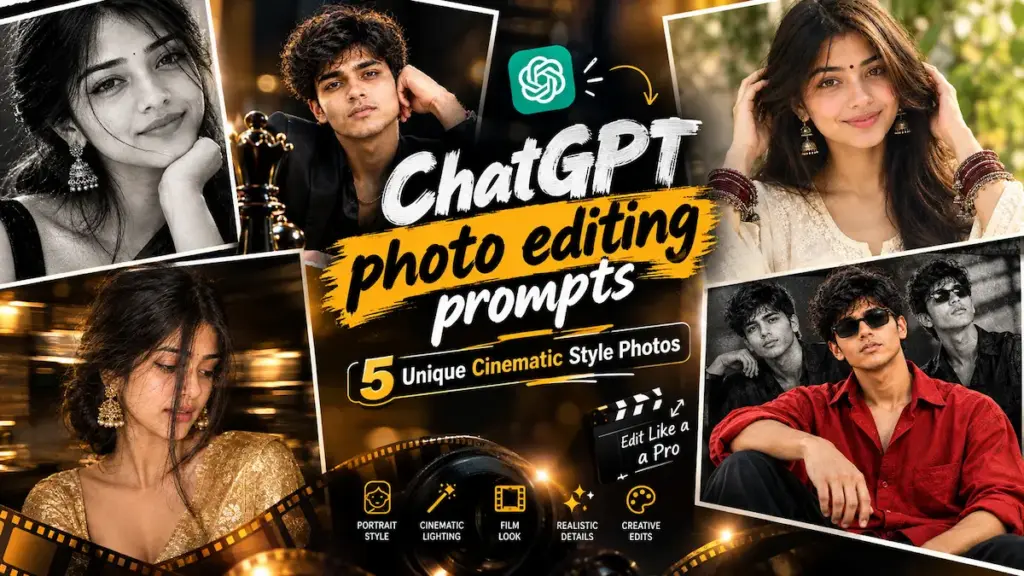
Explore top ChatGPT photo editing prompts to generate high-fashion portraits, dramatic forced-perspective chess shots, motion-blur sarees, and editorial collages with DSLR realism in 2026.
Social media par standard AI portraits ab common lagne lage hain. Real photographic impact ke liye correct camera optics, intentional lighting, aur fine fabric textures ka hona behad zaroori hai.
Is comprehensive guide mein hum 5 viral ChatGPT photo editing prompts share kar rahe hain. Inhe directly ChatGPT ya Bing Image Creator par use kiya ja sakta hai.
STRICT IDENTITY PRESERVATION rules ko retain rakhein.
5 Master ChatGPT photo editing prompts for Editorial Portraits
Neeche diye gaye har visual style ke sath uska image preview, technical camera details, aur copy-paste ready master prompt diya gaya hai.
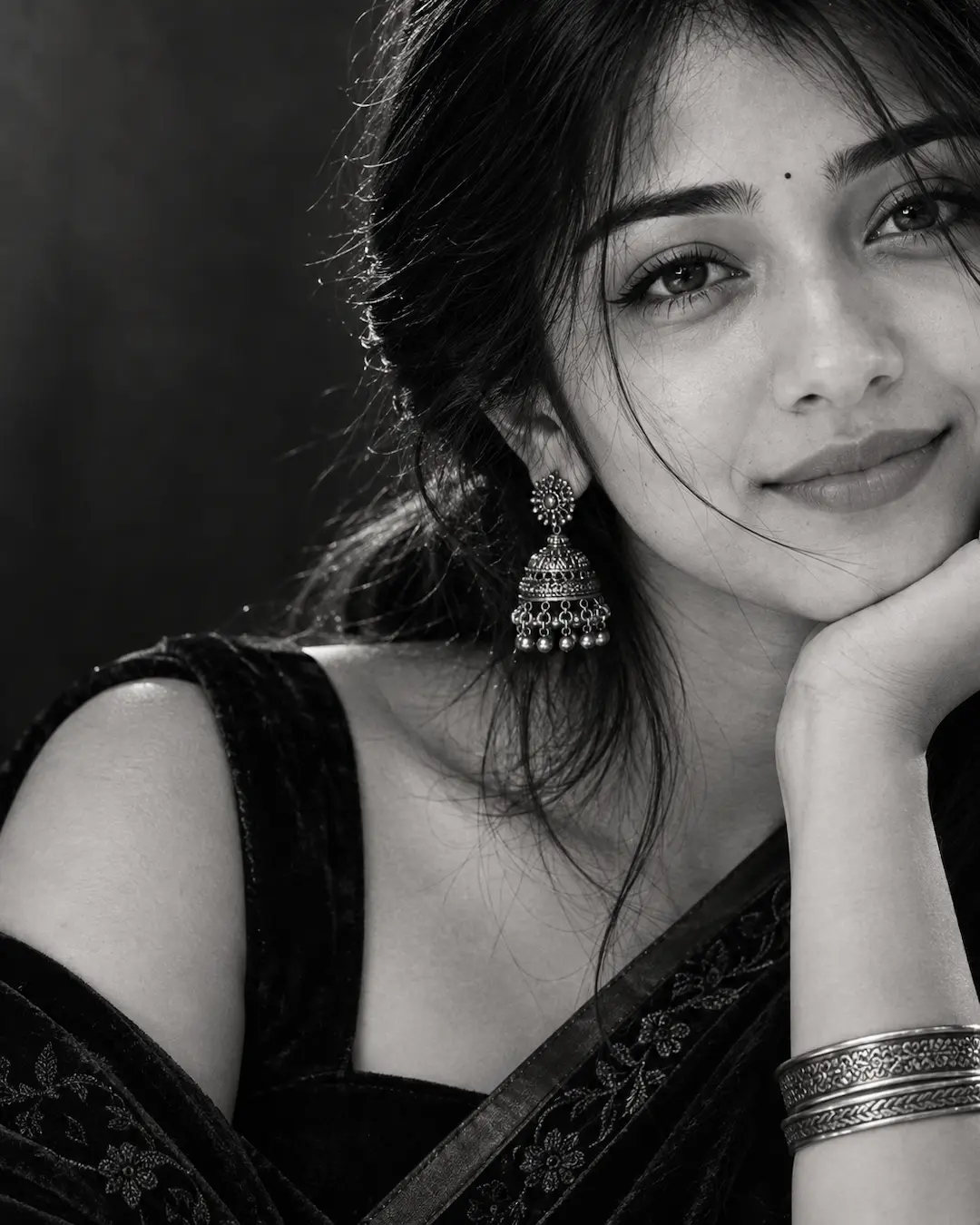
01. Black & White Velvet Saree Half-Face Portrait
Monochrome high-contrast close-up portrait jisme cheek-on-hand pose, black velvet saree, aur oxidized chandelier earring ka classy editorial balance dikhta hai.
Pro Tip: 85mm portrait prime instruction facial features ko proportion mein rakhti hai aur nose/ears ko unnaturally stretch hone se rokti hai.
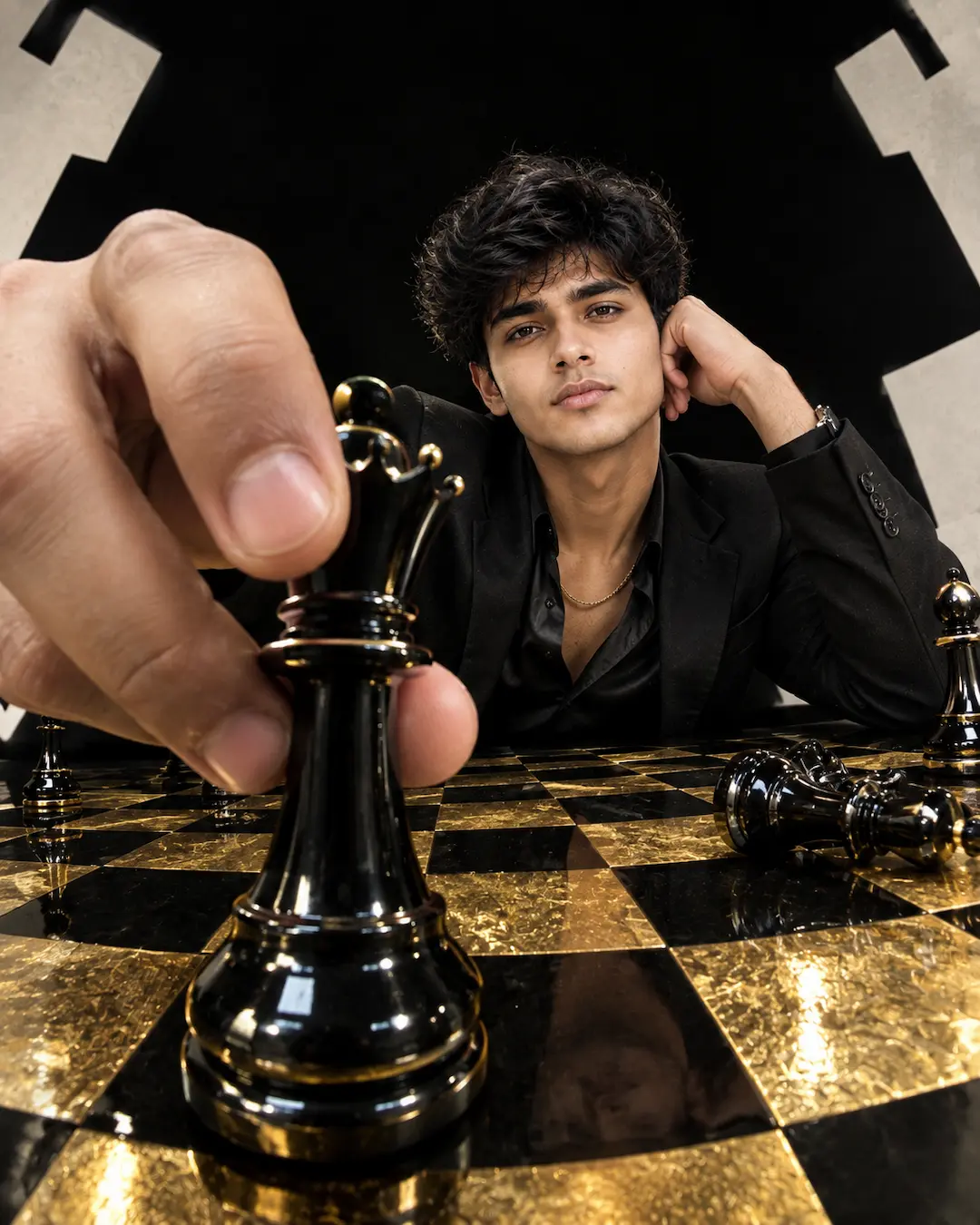
02. Fisheye Chess Queen Forced-Perspective
Avant-garde wide-angle distortion look, jisme lens ke bilkul samne glossy black chess queen piece oversized appear hoti hai aur gold chessboard table luxury reflect karta hai.
Pro Tip: Fisheye perspective mein hands naturally proportioned rahein, iske liye prompt mein “natural fingers, believable proportions” phrase essential hai.
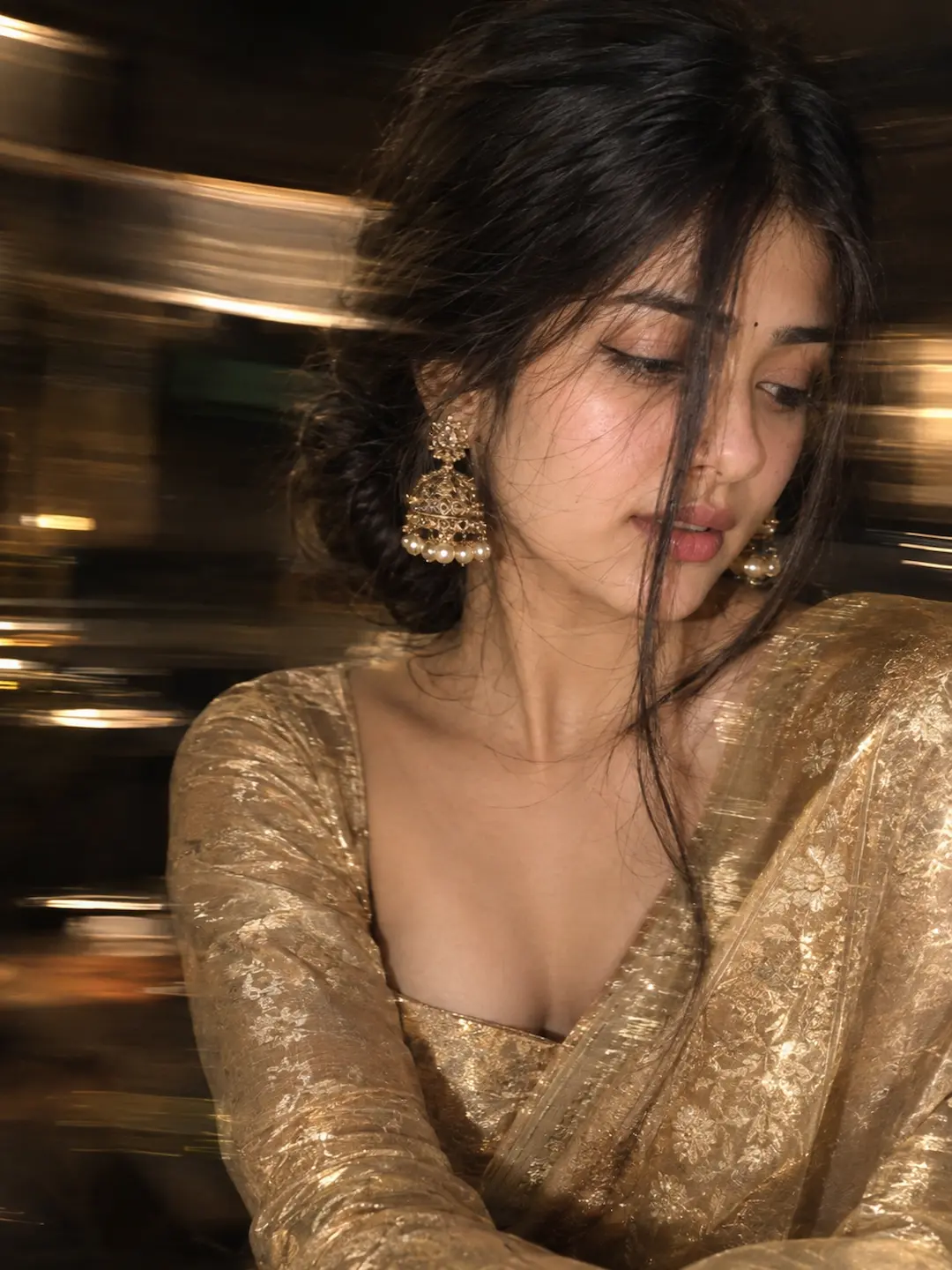
03. Intentional Motion Blur Golden Zari Saree
Long-exposure camera technique se inspired motion blur portrait, jisme golden zari work saree aur statement gold earrings ke sath soft dreamy vibes milti hain.
Pro Tip: Agar image bohot zyada blur ho jaye, toh “intentional camera drag, recognizable eye” mention karein taaki facial integrity maintain rahe.
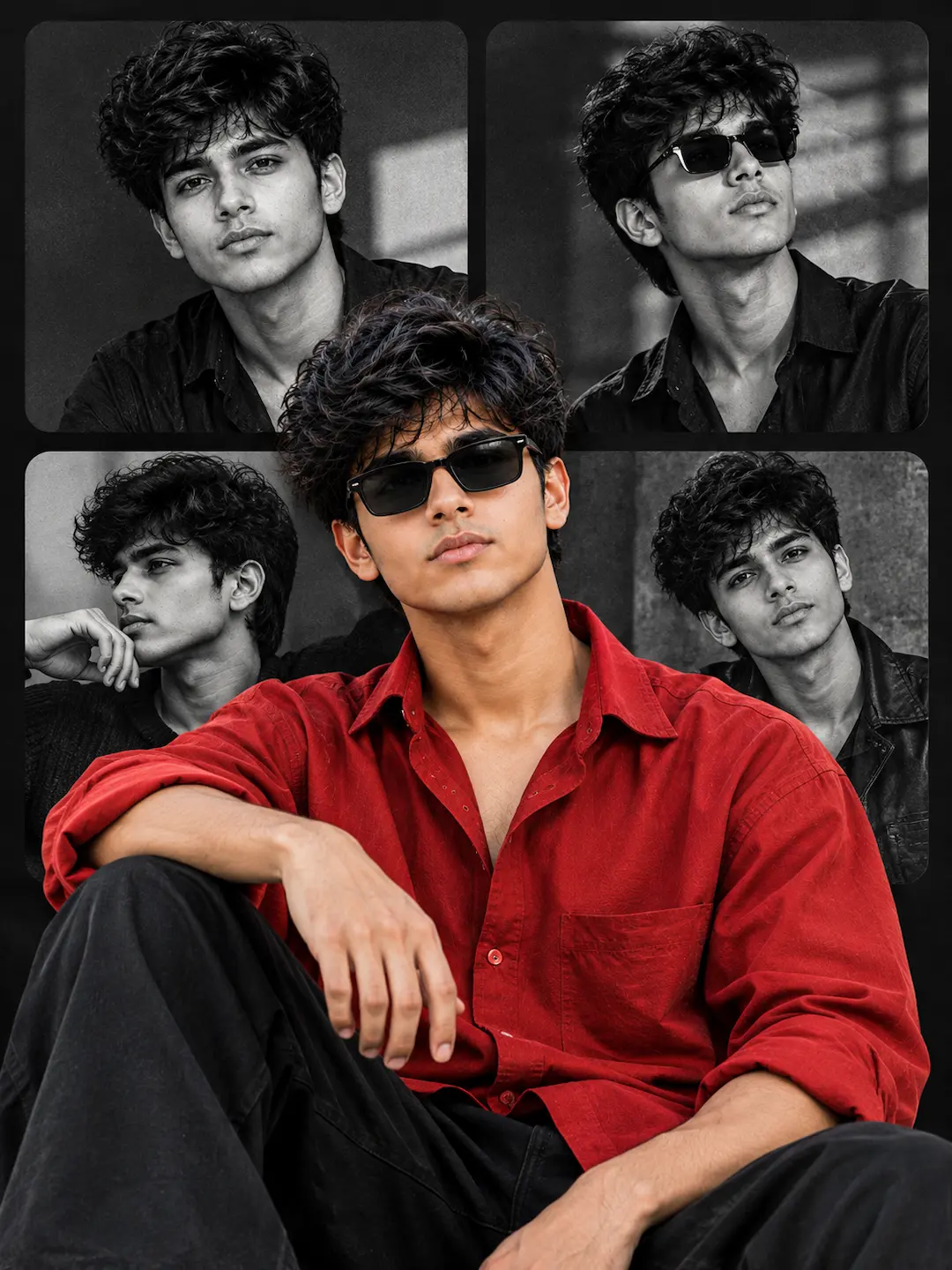
04. Red Shirt Modern Editorial Poster Collage
Chaar monochrome background panels par vibrant oversized red shirt ka high-contrast color cutout, jo commercial fashion campaigns aur Pinterest posters ke liye perfect hai.
Pro Tip: Layered poster designs mein AI aksar gibberish text draw karta hai. “No text, no typography, no logos” ka negative constraint ise clean rakhta hai.
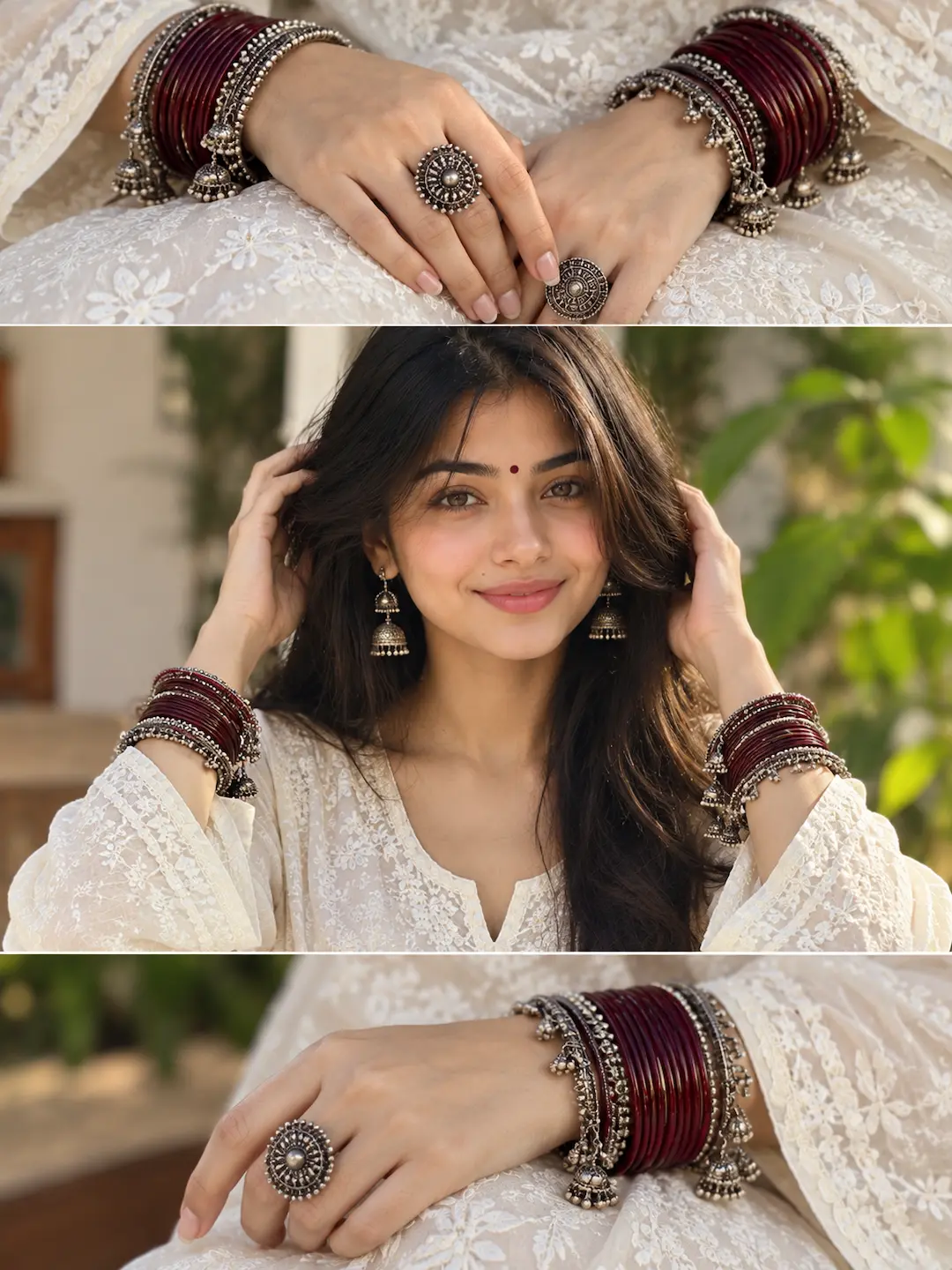
05. White Chikankari Kurta Triptych Panels
Three-panel editorial layout jisme Lucknowi white chikankari embroidery, maroon glass bangles, aur oxidized silver rings ki macro jewelry storytelling capture hoti hai.
Pro Tip: Triptych mein har panel ko brackets jaise “(Top Panel)” aur “(Bottom Panel)” mein divide karne se DALL-E structured 3-part layout generate karta hai.
Prompt Engineering Optics: Camera Physics & Realism Guide
Effective ChatGPT photo editing prompts design karte samay AI ko realistic physical constraints dena zaroori hota hai. Sirf “high quality” likhne se camera realism nahi aata.
1. Focal Length & Distance Ratio
85mm lenses facial anatomy ko flatten karke flattering portraits banate hain. Jabki 14mm fisheye dynamic barrel distortion deta hai jo modern luxury streetwear ads mein viral hai.
2. Shutter Speed & Controlled Blur
“Blurry” likhne ke bajaye “intentional long-exposure shutter drag” specify karein, taaki background aur edges par elegant motion blur aaye jabki eye catching sharpness bani rahe.
3. Multi-Panel & Layer Consistency
Collage ya triptych banate waqt har panel ka alag angle mention karein aur subject ke clothing color, hair texture, aur facial bone structure ko explicit anchor karein.
4. Authentic Fabric Rendering
Generic clothes ki jagah “hand-embroidered Lucknowi chikankari” ya “woven golden zari” jaise descriptive phrases light bounces aur thread details ko photorealistic banate hain.
In visual engineering techniques ka use karke aap AI-generated images mein plastic waxy skin look ko bypass kar sakte hain aur editorial-grade portraits generate kar sakte hain.
How to Generate These Photos in ChatGPT & Bing Image Creator
In prompts ko use karke apni custom photos create karne ke liye ye simple steps follow karein:
- Prompt Choose Karein: Upar diye gaye 5 master looks mein se apna pasandeeda prompt chunein aur Copy Prompt par tap karein.
- Tool Open Karein: ChatGPT (DALL-E 3) ya Microsoft Designer powered Bing Image Creator par jayein.
- Reference Upload (Optional): Agar aap apna face use karna chahte hain, toh apni clear portrait photo attach karein.
- Generate Karein: Prompt paste karke generate command run karein. 15 se 25 seconds mein aapka editorial shot ready ho jayega.